What Automated Bookkeeping Actually Means in Practice
How the day-to-day work changes, what the software handles well, what it does not, and why the best systems get better the more people use them.
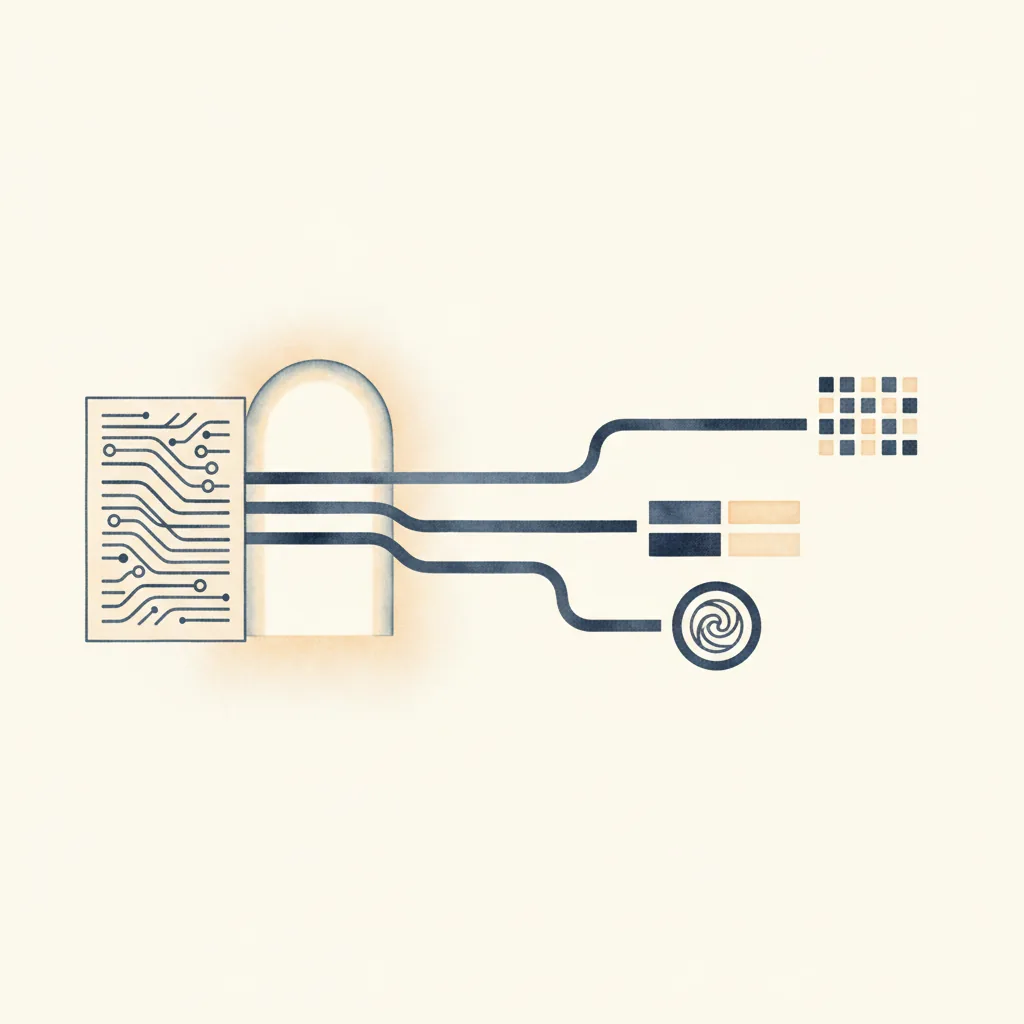
The phrase “automated bookkeeping” conjures either total replacement or useless gimmickry, depending on who you ask. Neither is accurate.
What we actually mean when we describe bookkeeping as automated is this: the routine 80 percent — coding recurring transactions, classifying VAT, detecting transfers — is handled by software. The bookkeeper focuses on the 20 percent that requires judgment. The ambiguous descriptions, the new suppliers, the accruals and prepayments, the complex splits that a machine cannot guess at.
The role changes from data entry to quality control. You stop coding transactions one by one and start reviewing batches of suggestions, approving the obvious, correcting the uncertain. For most practices, that shift turns a four-hour task per client into a 20-minute one. It also changes what you hire for: less tolerance for repetitive work, more capacity for interpretation and client communication.
This article examines what that change looks like in practice. What the software is good at. Where it stumbles. How the best systems learn from corrections, and why a pattern database that grows with usage makes accuracy a network effect rather than a solo achievement.
The Day-to-Day Change
Before automation, the workflow was linear and time-consuming. Download a CSV from the bank. Open the accounting software. Code each transaction manually: select the nominal account, choose the VAT code, assign a contact if relevant. Check the VAT calculation. Post. Repeat for the next transaction. And the next. A 300-line statement could easily consume three hours.
With automation, the workflow compresses.
Manual Process
- Download bank statement CSV
- Open accounting software
- Code transaction 1: account, VAT, contact
- Check VAT calculation
- Post transaction 1
- Code transaction 2: account, VAT, contact
- Repeat 298 more times
- Time for 300 transactions: 2–4 hours
Automated Process
- Upload bank statement
- Software processes all 300 in background (2 minutes)
- Review suggestions: approve high-confidence batch
- Correct flagged low-confidence items
- Approve corrections
- Post entire batch to platform
- Time for 300 transactions: 15–20 minutes total
The human role is no longer doing the coding. It is checking that the coding is correct. That distinction matters. Checking goes faster than doing, and it uses a different skillset. You are looking for anomalies, not performing the same action 300 times.
What the Research Shows
Stanford research on AI in accounting found that automation is reshaping jobs by doing the “boring stuff” — the repetitive tasks that consume time without requiring insight. 76 percent of practices have changed their hiring strategy because of AI, now placing greater emphasis on creativity and communication skills over tolerance for repetitive work.
Modern systems like Ramp's Accounting Agent achieve 98 percent accuracy when determining if a transaction is ready to sync, with 70 percent fewer corrections needed within the first month as the system learns.
What Automation Handles Well
Certain transaction types are trivial for software and tedious for humans. These are the wins.
Recurring Payments
Monthly subscriptions, rent, utilities, insurance. Once the system has seen “SAGE SOFTWARE” coded to Computer Software with 20 percent VAT, it will code every subsequent payment the same way. Recurring transactions from known merchants are coded with over 95 percent accuracy after the first month of corrections.
Standard Retail Purchases
Tesco, Shell, WHSmith. These merchants appear in thousands of general ledgers. A crowd-sourced pattern database knows that Tesco usually goes to Food and Subsistence, Shell to Motor Expenses, WHSmith to Stationery. The system suggests the most common coding, weighted by how many practices have used it and how consistent the pattern is.
Bank Charges and Fees
Predictable, rule-based, always the same account. Software does not forget which nominal code you use for bank charges. Humans do.
Inter-Account Transfers
A payment leaving the current account and an identical amount arriving in the savings account within a few days. Software scans for equal and opposite amounts across accounts within a date window and flags them as transfers rather than double-counting as an expense and separate income. This prevents a common error that inflates both sides of the profit and loss.
What Automation Struggles With
Equally important to understand: where the software guesses wrong or cannot guess at all.
Ambiguous Descriptions
“PAYPAL *MARKETPLACE” could be anything. A PayPal payment does not reveal the underlying merchant or the nature of the purchase. The system might flag it as low confidence and leave it for human review. Some systems attempt semantic analysis — inferring meaning from the description — but ambiguous cases still require judgment.
New Suppliers Never Seen Before
If neither your general ledger history nor the universal pattern database contains the merchant, the system falls back to less certain methods. Merchant category codes (MCC) if available, or semantic analysis based on the transaction description. Confidence drops. A new supplier called “Acme Industrial Supplies” might get coded to Purchases or Materials, but without prior context, the system is guessing.
Complex Split Transactions
A single bank transaction that needs to be split across multiple accounts — part office supplies, part postage, part stationery. Most automation handles single-account coding well. Splits require manual intervention.
Accruals, Prepayments, and Management Adjustments
These require accounting judgment. Recognising that a payment in January actually relates to December. Creating a prepayment for an annual insurance premium. Posting depreciation journals. None of this can be automated from a bank statement alone, because it depends on context the bank data does not contain.
Industry-Specific Coding
CIS deductions in construction. Fund accounting in charities. Professional indemnity insurance for solicitors. Generic systems learn slowly in specialised sectors. A construction practice needs the system to understand that a payment to HMRC marked “CIS” is not the same as a payment marked “VAT”, and that the former reduces the liability rather than creating an expense.
The Practical Limit
No system codes 100 percent of transactions correctly without human oversight. The best systems aim for high accuracy on the routine majority, and clear flagging of the uncertain minority. If the software claims it never needs corrections, it is either overstating its confidence or working with a very narrow transaction set.
The Network Effect in Bookkeeping
Here is where modern systems diverge from traditional automation. Bank rules and keyword matching are static. They know only what you teach them, client by client. A crowd-sourced pattern database is dynamic. It improves as more practices use it.
When one accountant codes a payment to SCREWFIX as Materials, that pattern is anonymised — stripped of all personally identifiable information — and added to a staging queue. If approved, it becomes available to every other user. The next time any practice processes a SCREWFIX transaction, the system suggests Materials with a confidence score based on how many times that pattern has appeared and how consistent it has been across contributors.
The more practices that contribute, the better the database becomes. A merchant that appears once in your client base might appear a thousand times across the network. The collective intelligence compounds.
How Pattern Contribution Works
Pattern contribution is opt-in. You control whether your practice participates. Here is the process:
- Extraction. General ledger history is pulled from your accounting platform to learn your client’s coding patterns.
- Qualification. Only patterns that appear at least twice are considered. One-off anomalies are not contributed.
- Anonymisation. All personally identifiable information is stripped. Only the merchant name, account code, and confidence score remain.
- Staging and review. Patterns enter a staging queue. They are not immediately available to other users. Merchant names are standardised so that variations like “AMZN Mktp UK” and “Amazon.co.uk” resolve to “Amazon”.
- Approval and availability. Approved patterns become available to all users, ranked by occurrence count and cross-contributor consistency.
This is fundamentally different from isolated bank rules. It is also more valuable over time. A new user immediately benefits from patterns contributed by thousands of prior transactions. As the network grows, coverage expands. Edge cases become common cases.
How CodeIQ Approaches This
Our implementation uses a seven-phase pipeline. Each phase either codes the transaction with a confidence score or passes it to the next layer. The order matters: earlier phases handle the most certain classifications, later phases handle progressively more ambiguous cases.
Transfer Detection
Scans for equal and opposite amounts within a date window across bank accounts. Prevents double-counting.
Invoice Matching
Checks bank transactions against outstanding invoices from the accounting platform. Handles exact matches, partial payments, and adjustments.
Historical Pattern Learning
Pulls the client’s general ledger history and learns how you have previously coded the same merchants. Recurring merchants are coded with over 95 percent accuracy at this layer.
Universal Pattern Matching
Queries the crowd-sourced database of merchant-to-account mappings. New merchants you have never seen may already be known to the network.
MCC Classification
Card transactions carry a merchant category code. A code of 5411 suggests a grocery store, 4121 suggests a taxi. Useful for merchants not yet in the pattern databases.
Semantic Analysis
Uses an embeddings model to understand meaning rather than match keywords. Recognises that “Accident Repair Centre” is a motor expense even if the exact merchant has never appeared before.
User Learning
Every manual correction you make is stored and reapplied on future transactions from the same merchant. This layer overrides all others. Your preferences take priority.
The pipeline runs in roughly two minutes for a typical client with 200 to 500 transactions. You then review the results, approve the high-confidence batch, correct the flagged items, and post the completed bookkeeping back to Xero, QuickBooks, Sage, or Pandle. Total time: under 20 minutes from upload to reconciled books.
VAT Classification
VAT is where generic automation often fails. Multiple VAT codes can share the same rate. Xero has several codes at 0 percent. QuickBooks has separate codes for exempt, zero-rated, and out-of-scope. Guessing by rate alone produces wrong classifications.
We use a two-layer system. A classification service determines the universal VAT intent: standard-rated, zero-rated, exempt, reverse charge, or no VAT. A separate mapping layer converts that intent to the correct platform-specific code. For Xero, standard-rated input becomes INPUT2. For QuickBooks, it becomes the appropriate tax rate. For Pandle, the platform codes happen to match the universal codes directly, so no mapping is needed.
This separation means the classification logic works identically across all platforms, while the mapping layer handles each platform’s quirks. It also means corrections made at the classification level carry across if you switch accounting software.
Accuracy Over Time
The accuracy you see on day one is not the accuracy you see three months later. Automated bookkeeping improves with use, for two reasons.
User Learning Loop
- Every correction is stored
- Corrections override all other layers
- Recurring merchants are correct after one fix
- Accuracy typically reaches 95 percent within two months
Network Learning Loop
- New merchant patterns contributed by other practices
- Pattern confidence grows with more contributors
- New users immediately benefit from existing patterns
- Coverage expands continuously
In practical terms, a new client with no general ledger history might see 70 to 80 percent of transactions correctly coded on the first run, relying on universal patterns, MCC codes, and semantic analysis. After one month of corrections, the user learning layer pushes accuracy above 90 percent. By the third month, with the client’s own GL history now populated, recurring merchants are coded with over 95 percent accuracy.
Industry data from 2026 shows that properly configured automation systems achieve error rates 43 percent lower after six months of use, as the system learns organisational patterns and user preferences.
What This Means for Practices
The shift to automated bookkeeping is not about replacing bookkeepers. It is about changing what bookkeepers spend time on. Even fully autonomous systems still require human oversight for edge cases, industry-specific coding, and management adjustments.
What changes is the capacity ceiling. Where manual coding limits a bookkeeper to 10 to 15 clients, automation removes that constraint. The bottleneck shifts from coding time to review time, which is fundamentally shorter. A practice that previously needed three bookkeepers to handle 40 clients might handle the same load with two, or handle 60 clients with three.
The quality of the work changes as well. Less time on repetitive data entry means more time for the work that actually benefits the client: spotting anomalies, flagging unusual patterns, advising on coding decisions that affect tax treatment. The role becomes less clerical, more analytical.
See How Automated Bookkeeping Works
Connect your accounting platform, upload a bank statement, and watch the processing pipeline work. Takes roughly 2 minutes. No commitment required.
Try CodeIQ FreeFrequently Asked Questions
Does automated bookkeeping mean no human bookkeepers?
No. Automated bookkeeping handles the routine 80 percent: coding recurring transactions, VAT classification, transfer detection. The bookkeeper’s role shifts from data entry to quality control, reviewing suggestions, correcting ambiguous transactions, and handling complex journals, accruals, and management adjustments that require judgment.
What does automated bookkeeping handle well?
Recurring payments from known merchants, standard retail purchases, bank charges and fees, inter-account transfers, invoice payments, and VAT classification for routine transactions. Systems that learn from general ledger history code these with over 95 percent accuracy.
What do automated systems struggle with?
Ambiguous descriptions like PAYPAL MARKETPLACE where the underlying merchant is unclear, completely new suppliers never seen before, complex split transactions requiring manual allocation, accruals and prepayments requiring accounting judgment, and industry-specific coding like CIS in construction or fund accounting in charities.
How long does automated bookkeeping take per client?
A typical client with 200 to 500 monthly transactions takes roughly 2 minutes for automated processing and 10 to 15 minutes for human review. Total time from upload to posted books is under 20 minutes, compared to 2 to 4 hours for manual coding.
What is the network effect in automated bookkeeping?
When one practice codes a payment to SCREWFIX as Materials, that pattern can be anonymised and shared with other users. The more practices that use the system, the better its merchant-to-account database becomes. New users immediately benefit from patterns contributed by thousands of prior transactions.
Which accounting platforms can automated bookkeeping integrate with?
Most modern automated bookkeeping systems integrate with QuickBooks Online, Xero, Sage, and Pandle. They pull the chart of accounts, VAT codes, and general ledger history from the platform, then post coded transactions directly back with automatic reconciliation.