Best AutoEntry Alternatives in 2026 for UK Practices
AutoEntry handles receipt scanning well, but Sage’s acquisition has practices reconsidering. Here are the alternatives – from similar extraction tools to AI that automates the entire bookkeeping workflow.
By Jack Whitehead, AATQB
Quick answer
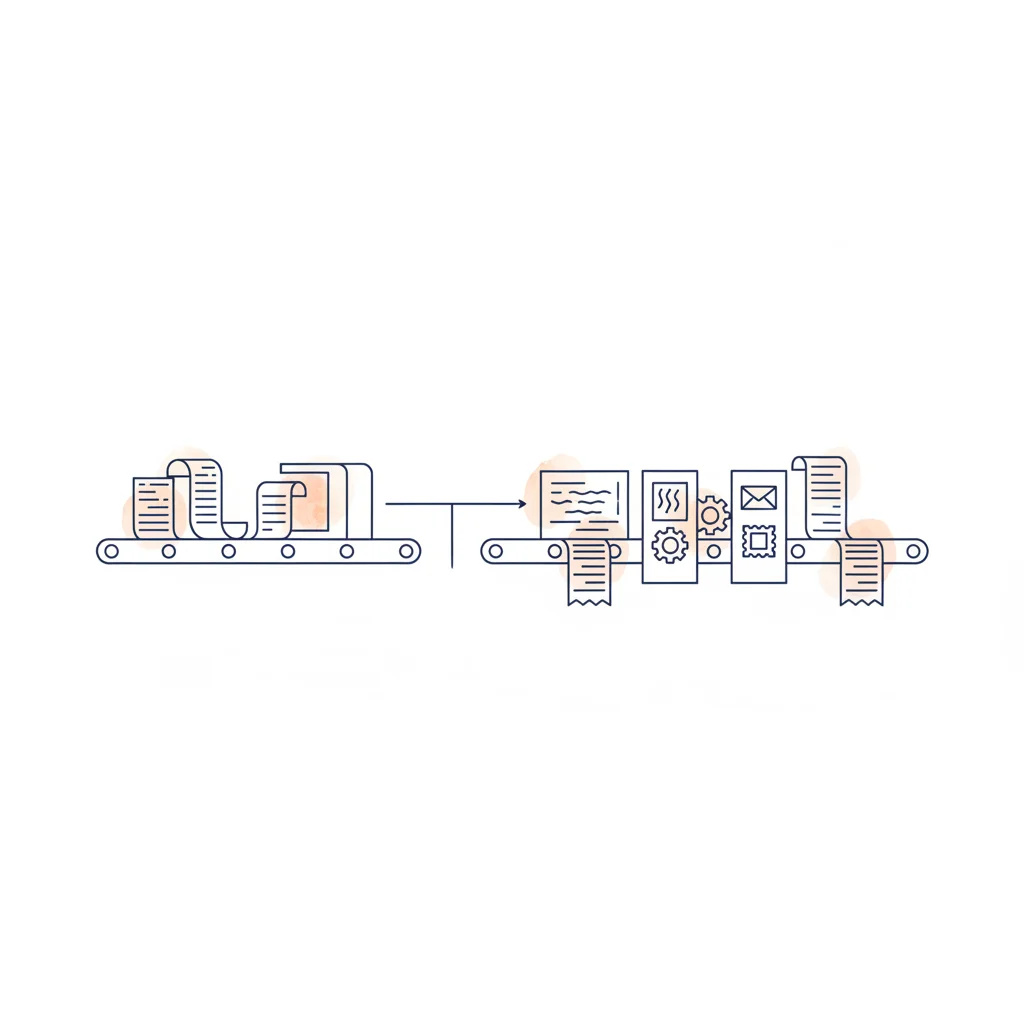
The five most credible AutoEntry alternatives in 2026 are Dext (closest like-for-like, premium pricing, the most polished extraction), Hubdoc (free with Xero subscription, basic but adequate), Tofu (newer entrant focused on AI extraction quality), Booke AI (RPA-style automation with deeper bookkeeping reach), and CodeIQ (skips receipt scanning entirely and goes straight to transaction coding via the eight-phase pipeline). The right choice depends on whether you want a direct AutoEntry replacement (Dext or Hubdoc) or whether you want to step up to fuller bookkeeping automation (Booke or CodeIQ). Sage’s 2017 acquisition of AutoEntry has driven the recent wave of switches, with practices wary of being locked into a single ecosystem.
What AutoEntry does
AutoEntry scans receipts and invoices, extracts the key data (supplier, date, amount, VAT, line items), and publishes it to your accounting platform as a draft transaction or bill. Clients can photograph receipts with a mobile app, forward invoices by email, or upload documents manually.
It works with Xero, QuickBooks, and Sage. Since Sage acquired AutoEntry in 2019, the integration with Sage products has deepened – there are bundled pricing options and tighter data flows within the Sage ecosystem.
What it does well
AutoEntry’s extraction accuracy for standard UK receipts and invoices is solid. The interface is straightforward. For practices that deal with high volumes of paper receipts, it removes the manual data entry bottleneck reliably. The Sage integration is particularly smooth if you’re already in that ecosystem.
Why practices are looking for alternatives
Three concerns come up consistently:
1. Sage ecosystem lock-in
Sage’s acquisition wasn’t altruistic. The product’s roadmap increasingly serves Sage’s priorities. If your practice uses Xero or QuickBooks as the primary platform, there’s a reasonable concern about whether AutoEntry’s non-Sage integrations will continue to receive equal attention.
2. Extraction-only scope
Like Dext, AutoEntry handles data capture. That’s step one of five in the bookkeeping workflow. The actual time sink – coding transactions, classifying VAT, matching invoices to payments, posting to the platform – still happens manually. Practices are increasingly asking: why pay for a tool that only handles 20% of the work?
3. Price increases
Pricing has risen since the acquisition. For multi-client practices, the per-client costs add up. This drives interest in alternatives that either cost less for the same scope, or deliver more automation for a similar price.
Alternative 1: Dext (formerly Receipt Bank)
The market leader in pre-accounting
Dext is the most direct AutoEntry alternative. It does essentially the same thing – receipt and invoice extraction – but with a larger user base, broader platform support, and a more mature mobile app. Dext supports Xero, QuickBooks, Sage, FreeAgent, and others.
Over AutoEntry
- Broader platform support beyond Sage
- Larger user base and community
- Better mobile app and email forwarding
- Auto-fetch from banks and suppliers
- Independent – no single-platform ownership
Limitations
- More expensive than AutoEntry
- Same extraction-only scope
- Still doesn’t code transactions or classify VAT
- Complex pricing tiers
Best for: Practices wanting a like-for-like swap with broader platform support. Read our full Dext alternatives guide for more detail.
Alternative 2: Hubdoc
Free with Xero
Hubdoc auto-fetches documents from banks and suppliers, extracts data, and publishes to Xero. It’s included free with Xero subscriptions, making it the obvious choice for Xero-only practices that want basic extraction without additional cost.
Over AutoEntry
- Free (included with Xero)
- Auto-fetches from providers
- Good document storage
Limitations
- Xero only – no QBO or Sage support
- Lower extraction accuracy for complex invoices
- Less polished mobile experience
Best for: Xero-only practices who want extraction at zero additional cost.
Alternative 3: Tofu
Modern AI extraction
Tofu positions itself as a next-generation Dext/AutoEntry alternative with AI-powered extraction that claims better accuracy on complex and non-standard documents. Newer to market with a clean interface and competitive pricing.
Over AutoEntry
- Modern AI extraction engine
- Clean, contemporary interface
- Competitive pricing
Limitations
- Smaller user base, less proven at scale
- Still extraction-only
- Fewer integrations
Best for: Early adopters who want better extraction tech and are comfortable with a newer product.
Alternative 4: Booke AI
RPA-based transaction coding
Booke AI is different from the tools above. Instead of scanning receipts, it logs into your Xero or QuickBooks account and categorises bank transactions using RPA (Robotic Process Automation). It’s a bot that operates the accounting interface.
Over AutoEntry
- Actually codes transactions, not just extraction
- Learns from corrections
- Handles bank reconciliation
Limitations
- RPA breaks when platforms update their UI
- Xero and QBO only
- No dedicated VAT classification
- Single-pass coding (no multi-layer verification)
Best for: Practices wanting AI categorisation in Xero or QuickBooks who accept the RPA reliability trade-off.
Alternative 5: CodeIQ (The IQ Suite)
Full bookkeeping automation, not just data capture
CodeIQ is an automated bookkeeper. It ingests receipts and invoices in any format (PDF, PNG, JPG), extracts the data via OCR, and creates the corresponding invoices on your accounting platform. It then takes bank transactions and runs them through an eight-phase AI pipeline: transfer detection, invoice matching, historical pattern learning, universal pattern matching, MCC classification, semantic analysis, and user learning. Then it classifies VAT and posts everything to Xero, QuickBooks, Sage, or Pandle. The whole process takes about two minutes per client.
The key difference from AutoEntry (and Dext): CodeIQ does what those tools do and then keeps going. It ingests receipts and invoices in any format (PDF, PNG, JPG), extracts the data with OCR, and creates the corresponding invoices on your accounting platform. But it also handles the rest of the bookkeeping workflow that extraction tools leave untouched. Upload a bank statement or connect your platform, and CodeIQ codes every transaction, applies the right VAT treatment, spots transfers between accounts, matches payments to invoices, and posts the results.
For practices currently using AutoEntry for receipt capture plus manual coding in Xero or QuickBooks, CodeIQ replaces both steps. It captures the receipt data, codes the bank transactions, matches payments to invoices, and posts. You review and approve the AI’s work, then post. The same capture-to-posting flow is also native to the IQ Suite’s own bookkeeping software, IQ Books, where it runs inside the ledger itself rather than in a separate extraction add-on.
Over AutoEntry
- Receipt and invoice OCR in any format (PDF, PNG, JPG)
- Automates coding, VAT, matching, and posting
- Eight-phase pipeline for high accuracy
- API-native (no fragile screen-clicking)
- Four platforms: Xero, QBO, Sage, Pandle
- Universal pattern network across all users
- Starts at £5/month (vs ~£12+ for AutoEntry)
Limitations
- Newer to market than established extraction tools
- Requires human review before posting
Comparison table
| Feature | AutoEntry | Dext | Hubdoc | Booke AI | CodeIQ |
|---|---|---|---|---|---|
| Primary function | Receipt extraction | Receipt extraction | Doc fetching | Transaction coding | Full bookkeeping |
| Receipt scanning | Yes | Yes | Basic | No | Yes (OCR, any format) |
| Transaction coding | No | No | No | Yes (RPA) | Yes (eight-phase AI) |
| VAT classification | From receipt | From receipt | No | Basic | Dedicated engine |
| Invoice matching | No | No | No | No | Yes |
| Transfer detection | No | No | No | No | Yes |
| Posts to platform | Draft bills | Draft bills | Draft bills | Yes | Yes (coded + reconciled) |
| Platforms | Xero, QBO, Sage | Xero, QBO, Sage+ | Xero only | Xero, QBO | Xero, QBO, Sage, Pandle |
| Starting price | ~£12/month | ~£24/month | Free (Xero) | ~$20/month | £5/month |
| Workflow coverage | Data capture | Data capture | Data capture | Coding | Full workflow |
Making the decision
If you want a direct AutoEntry replacement:
Dext is the closest match with broader platform support. Hubdoc works if you’re Xero-only and want free. Tofu is the modern alternative if you want to try newer tech.
If you want to stop manually coding transactions:
That’s a different category. Booke AI and CodeIQ are the two options. CodeIQ’s API-native approach and broader platform support make it more reliable for multi-platform practices.
If you want the most complete automation:
CodeIQ handles data capture (bank statement upload, PDF conversion, invoice OCR) and the bookkeeping itself – coding, VAT, matching, and posting. One tool covers the full workflow from bank statement to posted, reconciled transaction.
Automate the bookkeeping, not just the data entry
CodeIQ ingests receipts, codes transactions, classifies VAT, matches invoices, and posts to your platform. About two minutes per client.
Try CodeIQ Free →Frequently asked questions
Is AutoEntry being discontinued?
AutoEntry is not being discontinued, but since Sage acquired it in 2019, the product’s development increasingly aligns with the Sage ecosystem. Some practices are concerned about long-term support for non-Sage integrations.
What is the difference between AutoEntry and Dext?
Both scan receipts and invoices, extracting data to accounting platforms. Dext has broader platform support and a larger user base. AutoEntry has deeper Sage integration. Neither codes transactions, classifies VAT, or automates the bookkeeping workflow.
What tools go beyond receipt scanning?
Booke AI categorises transactions via RPA within Xero and QuickBooks. CodeIQ uses an API-native eight-phase pipeline to code transactions, classify VAT, detect transfers, match invoices, and post to Xero, QuickBooks, Sage, or Pandle.
How much does AutoEntry cost compared to alternatives?
AutoEntry starts at roughly £12 per month. Dext starts at ~£24/month. Hubdoc is free with Xero. CodeIQ starts at £5/month and covers a broader scope of automation including transaction coding, VAT classification, and platform posting.
Can I switch from AutoEntry to CodeIQ?
Yes. CodeIQ handles receipt and invoice ingestion (OCR in any format - PDF, PNG, JPG), extracts the data, and creates invoices on your platform. It then also codes bank transactions, classifies VAT, matches payments to invoices, and posts everything back. It covers what AutoEntry does and automates the rest of the bookkeeping workflow on top.