PayPal to Bank Reconciliation: A Practical Guide
How PayPal's settlements, fees, and batch transfers actually work, and how to reconcile them properly.
Quick answer
PayPal reconciliation works at two levels because PayPal holds funds in its own balance, deducts fees per transaction, and transfers lump sums to the bank. First match each bank deposit to a Transfer to Bank line in the PayPal activity report, then verify that the underlying gross sales minus fees minus refunds equal that transfer; in the article's example, a £1,847.23 deposit covers 47 transactions of £1,954.60 gross less £107.37 in fees. Treat the PayPal balance as a bank account, record sales at gross with fees as a separate expense, and apply the reverse charge to fees from PayPal's Luxembourg entity. ReconcileIQ automates the matching.
- Reconcile at two levels: bank deposit to PayPal transfer, then transfer to individual transactions.
- UK PayPal fees in 2026 are 2.9% plus 30p standard, 5% plus 5p for micropayments, and £14 per dispute.
- Book sales gross with fees as a separate expense; PayPal fees fall under the UK VAT reverse charge.
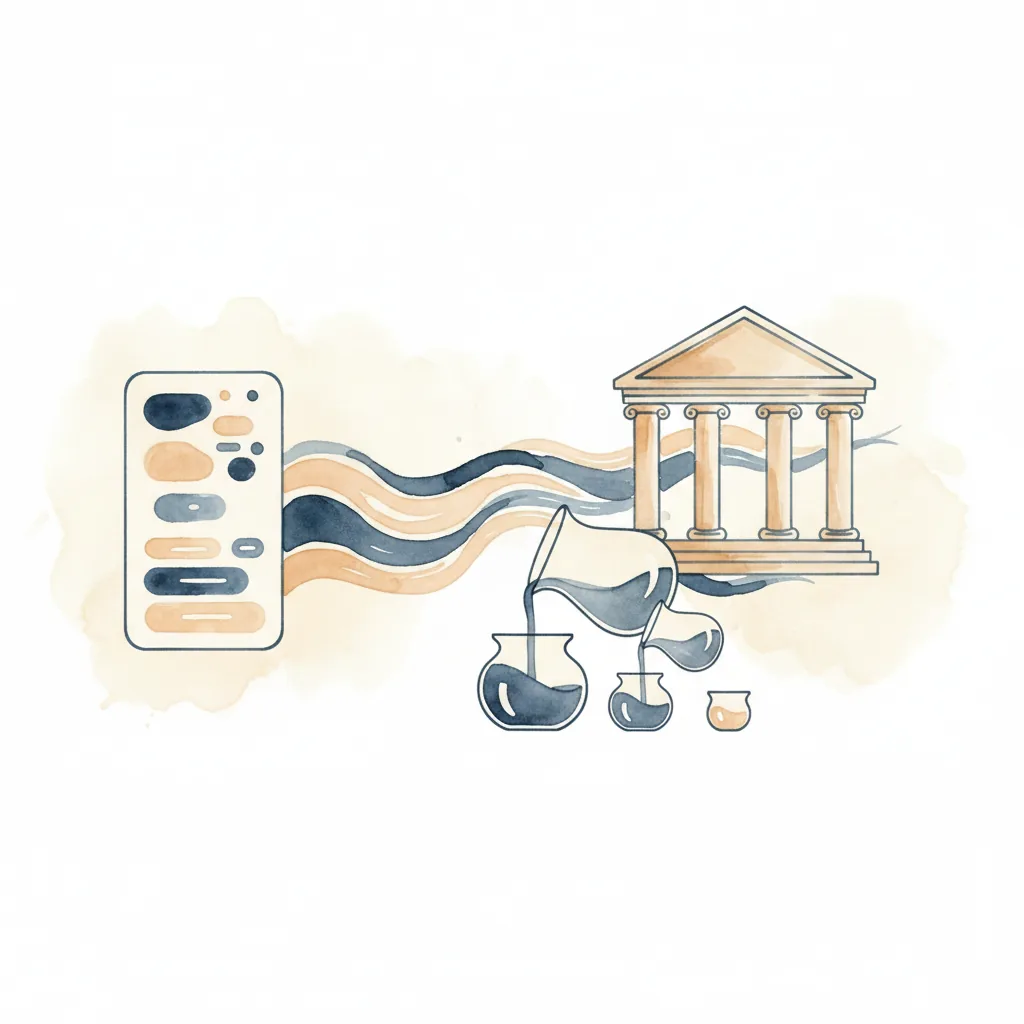
If you are about to reconcile a client's books and they accept PayPal payments, you should understand how PayPal actually moves money before you start. PayPal does not send each transaction to the bank individually. It holds funds in its own balance, deducts fees transaction-by-transaction, and transfers lump sums on whatever schedule the account holder has configured. Your bank statement will show one line. PayPal's records will show dozens.
How PayPal Actually Works
When a customer pays via PayPal, the money does not go to your bank account. It goes to your PayPal balance, which is a separate holding account managed by PayPal. You can configure automatic transfers to your bank (daily, weekly, or on reaching a threshold), or you can transfer manually. Either way, the bank deposit is a single lump sum labelled "PAYPAL" or "PAYPAL TRANSFER". The bank has no visibility of the individual sales, refunds, or fees that make up that figure.
PayPal's own records, meanwhile, show every individual transaction: each sale, each fee deduction, each refund, and each currency conversion. The reconciliation problem is this: you must match at two levels. First, the bank deposit to the PayPal transfer. Second, the PayPal transactions to your sales records and ledger.
A worked example. Your bank statement shows: "PAYPAL TRANSFER £1,847.23" on 15th March. PayPal's activity report shows: 47 individual transactions between 8th and 14th March, totalling £1,954.60 in gross sales. PayPal deducted £107.37 in fees. The maths: £1,954.60 minus £107.37 equals £1,847.23. That is the figure that landed in your bank.
PayPal's Fee Structure (UK, 2026)
PayPal's fees are not flat. They are deducted per-transaction, not from the settlement, which means you cannot simply subtract a percentage from the bank deposit and call it done. You must account for each transaction's fee individually.
Current UK Rates
Standard Domestic Transactions
2.9% + 30p per transaction. This applies to UK-to-UK payments, regardless of whether the customer pays from a PayPal balance, debit card, or credit card.
Micropayments
5% + 5p per transaction for items under £5. If you sell low-value digital products or services, this rate can be more favourable than the standard rate. You must request micropayment pricing from PayPal; it is not automatic.
International Payments
2.9% + 30p for the base transaction fee, but international payments incur an additional cross-border fee (typically up to 1.5%) and a currency conversion markup of around 3% above the mid-market rate. The effective total can reach 5.9% or more. PayPal's conversion rate is worse than what you would get from a specialist currency service, but the customer sees a PayPal checkout, not your bank's foreign exchange desk.
Dispute and Chargeback Fees
If a customer disputes a transaction, PayPal charges £14 per dispute, regardless of the outcome. This fee is not refundable even if you win the dispute. Refunds themselves do not incur a new transaction fee, but PayPal does not refund the original fee you paid when the sale was made.
These rates were last updated by PayPal on 22 January 2026. Check PayPal's official UK merchant fees page for any changes.
The Settlement Report
PayPal's settlement report is your source of truth for reconciliation. It is available as a CSV download from the PayPal dashboard: navigate to Activity, then Statements, then select either a monthly report or a custom date range. The report is UTF-8 encoded, comma-delimited, and includes all transaction activity for the period.
Key Columns to Understand
The column headers vary slightly depending on report type and locale, but the essential fields are consistent:
Date
The date the transaction occurred in PayPal's system, not the date it landed in your bank. Settlements can lag by several days.
Type
The transaction category. Common types include "Website Payment" (standard checkout), "Express Checkout" (via PayPal button), "eBay Auction Payment" (if selling on eBay), "Refund", "Reversal" (chargeback or dispute resolution), and "Transfer to Bank". Only "Transfer to Bank" lines represent money moving to your actual bank account.
Gross
The total amount received or paid before fees. For a £100 sale, Gross is £100.00.
Fee
The amount PayPal deducted for processing the transaction. For a standard £100 UK sale, the fee would be £3.20 (2.9% of £100 plus 30p).
Net
Gross minus Fee. This is the amount that increased or decreased your PayPal balance. For the £100 sale example, Net is £96.80.
Balance
PayPal's running balance after the transaction. This is not your bank balance. It is the amount sitting in your PayPal account, waiting to be transferred.
The Settlement Report format is documented in PayPal's developer specifications. Money amounts are unsigned (no currency symbol), and the debit or credit indicator determines the direction. Character encoding is UTF-8, and text fields are enclosed in double quotes.
Practical Reconciliation Workflow
Reconciling PayPal transactions is not a single step. It is a sequence: match the bank deposit, verify the underlying transactions, and book each component correctly in your ledger.
Step-by-Step Process
-
Download the PayPal activity report for the period. Use the custom date range option to cover the period from the last successful reconciliation to the current date. Export as CSV.
-
Download your bank statement for the same period. Most banks allow CSV export. If your bank provides only PDF statements, you will need to convert them to CSV first (ReconcileIQ includes a PDF converter for any bank worldwide).
-
Filter the PayPal report to "Transfer to Bank" transactions. These lines represent the lump-sum transfers that appear on your bank statement. Each transfer should have a corresponding bank deposit.
-
For each bank deposit, find the matching PayPal transfer. The amounts should match exactly. If they do not, check for currency conversion fees, held funds (PayPal can hold payments for 21 days for new sellers or high-risk transactions), or pending disputes.
-
Sum the underlying transactions for each transfer period. Go back to the full PayPal activity report and sum all the Net amounts between the previous transfer and the current one. This total should equal the bank deposit amount.
-
Verify the gross-to-net calculation. Sum all Gross amounts for the period, subtract all Fees, subtract all Refunds. The result should equal the Net transfer. If it does not, you have missed a transaction or misclassified a fee.
-
Book the transactions in your ledger. Do not book only the net bank deposit. Record each sale at its gross amount, post each PayPal fee to a separate expense account, and record each refund against the original sale. This preserves your revenue figures and captures the true cost of payment processing.
Accounting Treatment and Double-Entry
The correct way to handle PayPal in your books is to treat the PayPal balance as a bank account in its own right. This allows you to record the individual transactions (sales, fees, refunds) in PayPal, then transfer the net amount to your main bank account when the settlement occurs.
Double-Entry Structure
When a £100 sale occurs via PayPal (with a £3.20 fee):
At point of sale
Debit PayPal (bank account) £96.80 | Debit PayPal Fees (expense) £3.20 | Credit Sales (income) £100.00
When the settlement transfers to your bank
Debit Bank (bank account) £96.80 | Credit PayPal (bank account) £96.80
This structure keeps your revenue figure accurate (£100, not £96.80) and isolates the cost of payment processing in its own expense account. When you reconcile your bank statement, the £96.80 deposit matches the transfer from PayPal. When you reconcile your PayPal account (using the activity report), the individual transactions add up to the same £96.80.
VAT Treatment
PayPal fees are charged by PayPal (Europe) S.à r.l. et Cie, S.C.A., which is based in Luxembourg. For UK VAT-registered businesses, this is a cross-border supply of services subject to the reverse charge mechanism.
What this means in practice
PayPal does not charge you UK VAT on its fees. Instead, you must account for the VAT yourself on your VAT return. The amount goes in Box 6 (output tax on reverse charge supplies) and Box 7 (input tax reclaimed on reverse charge supplies). If you are fully VAT-registered and can reclaim input tax, the net effect is zero, but you must still report it. If you forget, HMRC's software will flag the mismatch.
Sales VAT, meanwhile, is based on the gross amount of the sale, not the net amount after fees. If you sell a £120 item inclusive of 20% VAT, the VAT is £20, regardless of the £3.78 PayPal fee. Do not reduce your VAT liability by the payment processing cost.
Refunds require you to adjust the VAT on the original sale. If you refund the full £120, you must also reverse the £20 VAT. PayPal does not refund its original £3.78 fee, so your net cost of the refunded sale is the fee you paid when the sale was made. This is why refund-heavy businesses find PayPal expensive.
Common Mistakes
Most PayPal reconciliation errors stem from treating the bank deposit as the transaction, rather than as a settlement of many transactions.
Booking the net deposit as sales
If you record the £96.80 bank deposit as £96.80 of sales, you have understated your revenue by £3.20 and failed to capture the payment processing cost. Your profit-and-loss will be wrong, and you will have no record of what you are paying PayPal.
Ignoring the PayPal balance
Money sitting in your PayPal account is an asset. If you do not include the PayPal balance in your books, your balance sheet is incomplete. This matters for tax purposes (you owe tax on the income when it is earned, not when it lands in your bank) and for cash flow management (you might have £5,000 in PayPal that you have forgotten to transfer).
Missing held funds
PayPal holds payments for 21 days if you are a new seller, if your account has been flagged for unusual activity, or if the transaction is high-risk. Held funds do not appear in your bank account, and they do not appear in your available PayPal balance, but they do appear in your PayPal activity report. If you do not account for them, your reconciliation will not balance until the hold is released.
Currency conversion errors
If a US customer pays you $100, PayPal converts it to GBP at its own exchange rate (which is typically 3-4% worse than the mid-market rate). The conversion appears as a separate line item in your activity report, and the exchange rate loss is a real cost. If you do not track it, you will not know how much international sales are costing you in FX fees.
Automation
Manual PayPal reconciliation is tedious and error-prone, particularly if you process dozens or hundreds of transactions per month. The arithmetic is straightforward, but the volume makes mistakes inevitable.
Reconciliation tools can automate the matching process. You upload your PayPal activity report and your bank statement as CSVs. The software matches the individual PayPal transactions to the bank deposits, verifies that the fees are correct, and flags any discrepancies (missing transactions, unexpected fees, or timing mismatches). You review the matches, handle any exceptions, and export the results to your accounting software.
This is not theoretical. ReconcileIQ handles PayPal reconciliation as part of its standard workflow, including fee verification, batch matching, and direct export to platforms like Xero, QuickBooks, Sage, and Pandle. The process that would take two hours manually takes ten minutes with automation.
Automate Your PayPal Reconciliation
Upload your PayPal activity report and bank statement, and let ReconcileIQ handle the matching. Fees, batches, and settlements, all reconciled in minutes.
Try ReconcileIQFrequently Asked Questions
Why doesn't my PayPal bank deposit match individual transactions?
PayPal holds funds in a separate PayPal balance and transfers lump sums to your bank. A £1,847.23 bank deposit might represent 47 individual transactions totalling £1,954.60 in gross sales, minus £107.37 in fees. The bank sees only the net transfer, not the underlying detail.
What are PayPal's UK business transaction fees in 2026?
Standard UK transactions: 2.9% + 30p per transaction. Micropayments (under £5): 5% + 5p. International payments: 2.9% + 30p plus a 3% currency conversion markup. Fees are deducted per-transaction before settlement.
How should I account for PayPal fees in my books?
Record sales at gross amounts, book PayPal fees as a separate expense (subject to VAT reverse charge from PayPal's Luxembourg entity), and reconcile the net deposit to your bank. Do not book only the net amount as sales, or you will understate revenue and miss the fee expense.
What is the VAT treatment for PayPal fees in the UK?
PayPal fees are charged by PayPal's Luxembourg entity. For UK VAT-registered businesses, this is a reverse charge supply: no UK VAT is charged, but you must include the amount in Box 6 and Box 7 of your VAT return. PayPal fees themselves are exempt from VAT as financial services.